

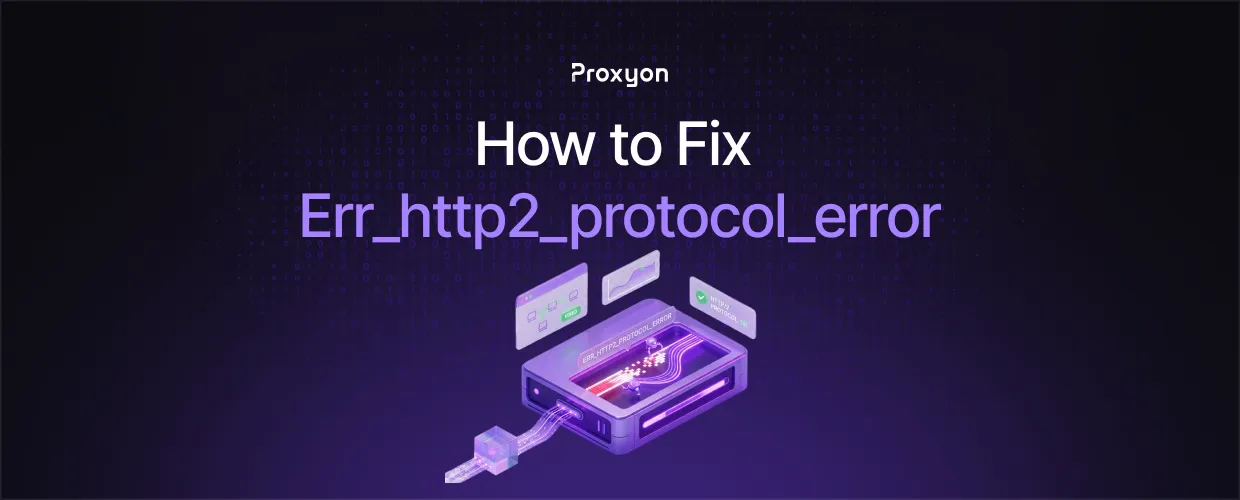
What ERR_HTTP2_PROTOCOL_ERROR Means

Chrome negotiates HTTP/2 through ALPN during the TLS handshake. Once the session is open, requests travel as numbered streams multiplexed over a single TCP connection. When either endpoint sends data that violates the protocol rules, the peer resets the stream or tears down the whole session, and Chrome reports the failure as ERR_HTTP2_PROTOCOL_ERROR.
This is why you sometimes see the error next to a 200 status in DevTools. The response headers arrived and were parsed, then the stream died before the body finished. The status code you are looking at is real, and the transfer behind it was not completed.
One thing worth knowing: the error is far more common in Chromium browsers than in Firefox because Chromium enforces the framing rules strictly and fails closed rather than downgrading.
How to Diagnose the Real Cause
Start by forcing the protocol version. Run the same request twice and compare.
curl -sv --http2 https://example.com/path -o /dev/null
curl -sv --http1.1 https://example.com/path -o /dev/null
If HTTP/1.1 succeeds and HTTP/2 fails, the origin or an intermediary is producing frames Chrome rejects. If both fail, stop looking at HTTP/2 and fix the underlying response first. Cloudflare recommends the same order of operations in its protocol troubleshooting guide.
When curl is not conclusive, capture a netlog. Chrome writes one from the chrome://net-export page, and the resulting JSON records the exact HTTP/2 frame that failed, including the error code the peer sent. Microsoft documents the NetLog capture process for Chromium browsers.
Also Read: How to Fix Proxy Authentication Errors
How to Fix ERR_HTTP2_PROTOCOL_ERROR

Server side
Oversized response headers are the most common reproducible cause. Long Set-Cookie values, bloated session tokens, and stacked security headers can exceed the header list limit the peer advertised, and the session gets reset. Trim them and retest. After that, check for a Content-Encoding that does not match the body, a Content-Length that disagrees with what was actually sent, and any reverse proxy in front of the origin that terminates HTTP/2 and speaks HTTP/1.1 upstream.
Client side
Update the browser, then test in a clean profile rather than deleting your cache blindly. Local antivirus and corporate filtering software that intercepts TLS is a frequent culprit, since a middlebox that rewrites traffic has to reframe every HTTP/2 stream correctly and often does not.
Automation and scraping stacks
Headless Chrome hitting this error through a proxy usually means the proxy is not forwarding the tunnel cleanly. A CONNECT tunnel should pass encrypted bytes through untouched, so the browser negotiates HTTP/2 with the origin and the proxy stays out of the framing layer. Providers that inspect or rewrite traffic break that assumption. Proxyon residential proxies and datacenter proxies tunnel CONNECT traffic without touching the payload, and you can generate credentials programmatically from the API overview. If you need to confirm the proxy is the variable, launch Chrome with the HTTP/2 feature disabled and see whether the failure disappears.
Also Read: How to Use a Proxy With Selenium in Python
FAQ Section
Is ERR_HTTP2_PROTOCOL_ERROR a client or server problem?
Either. The error names the layer that failed, not the party responsible. Testing the same URL over HTTP/1.1 from a second network is the quickest way to assign blame.
Why does the error show a 200 status code?
Because the headers arrived intact and the stream was reset before the body completed. The status line is genuine, the transfer is not.
Does disabling HTTP/2 fix it permanently?
It hides it. Forcing HTTP/1.1 is a valid diagnostic step and an acceptable short term workaround, but you lose multiplexing and header compression, and the underlying defect stays in place.
Why do I only see this in Chrome?
Chromium enforces HTTP/2 framing rules strictly and aborts on violations. Other browsers are more tolerant of malformed frames, so the same broken response can render normally in Firefox.
Can a proxy cause ERR_HTTP2_PROTOCOL_ERROR?
Yes, when it terminates TLS or rewrites frames instead of passing the CONNECT tunnel through as opaque bytes.
Final Thoughts
ERR_HTTP2_PROTOCOL_ERROR is a framing failure, so treat it as one instead of working through a browser cleanup checklist. Compare the request over HTTP/1.1 and HTTP/2 first, then read the netlog to see which side sent the reset and why. Most reproducible cases trace back to oversized headers, an encoding mismatch, or an intermediary that should have stayed transparent and did not. If your stack routes through proxies, use ones that tunnel cleanly so the browser and the origin can negotiate HTTP/2 between themselves.