


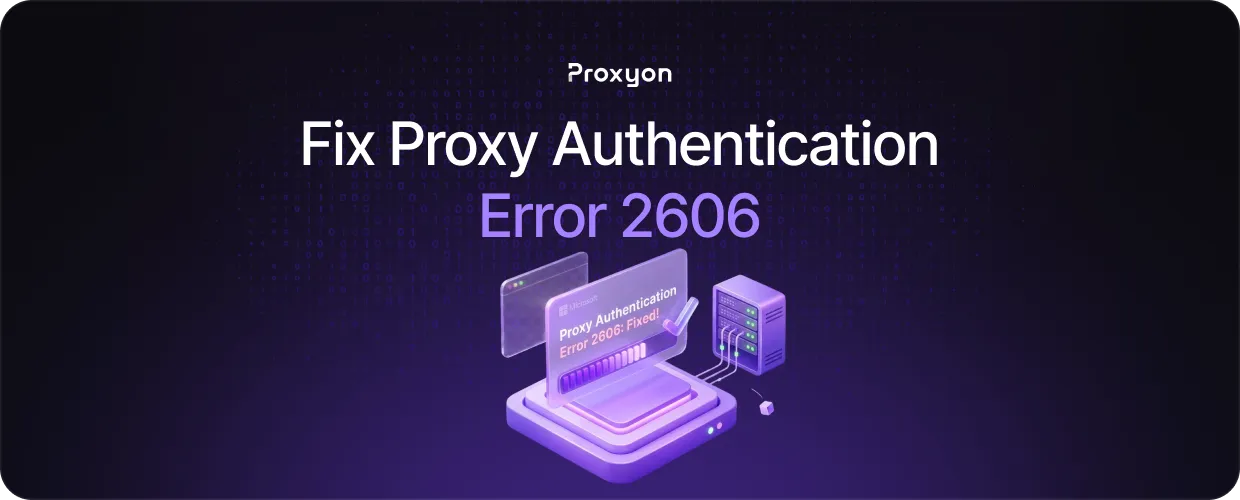
Proxy authentication error 2606 appears when your credentials are incorrect, misformatted, or not passed correctly to the proxy server. It stops your requests before they even reach the target, which makes it one of the more frustrating errors to deal with since everything else in your setup can be perfectly fine. The fix is almost always straightforward once you know where to look.
In this article, we'll explore the most common causes of error 2606 and exactly how to resolve them.
What Causes Error 2606?

Error 2606 comes down to a credentials problem. The proxy server received your request but could not verify your identity, so it rejected the connection before forwarding anything.
The most common cause is a typo in your username or password. Copy-pasting credentials from a dashboard sometimes pulls in a trailing space or a hidden character that breaks authentication without being obvious.
The second cause is using the wrong authentication format. Some providers require credentials directly in the proxy URL, like http://username:password@host:port, while others expect them as separate headers. Using the wrong format sends the credentials where the server is not looking.
The third cause is IP whitelisting. Some providers, including Proxyon, let you authenticate by whitelisting your IP instead of using a username and password. If your IP has changed since you set up the whitelist, the server will reject your requests even if your credentials are correct.
How to Fix It Step by Step
Start by re-copying your credentials directly from your dashboard. Do not retype them manually; paste them fresh into your config to rule out any hidden characters.
Next, confirm you are using the correct format for your setup. If passing credentials through a URL, use http://username:password@host:port. If your tool uses a separate proxy authentication field, put the credentials there instead of embedding them in the URL, since doing both can cause conflicts.
If you are using IP whitelisting, log in to your dashboard and check which IP is whitelisted. If your current IP has changed, update it. You can find your current IP quickly at whatismyip.
After any change, run a single test request before moving forward.
Testing Your Proxy After the Fix
Send a test request to httpbin, which returns the IP your request is coming from. If the proxy is working correctly, you will see a residential or datacenter IP in the response rather than your own.
If error 2606 persists, verify that the credentials in your config match your dashboard exactly, character by character.
If everything looks correct and the error remains, contact your provider's support with the exact error response. Most authentication issues are resolved at the configuration level, but occasionally a provider needs to reset credentials or update whitelist rules on their end.
Final Thoughts
Error 2606 is almost always a configuration issue. Check your credentials, confirm the format your provider expects, and make sure your whitelisted IP is current. If you need a proxy service with straightforward authentication, Proxyon's residential proxies start at $1.75/GB with no subscription required.
