Proxies come in different types, and the one you pick affects how well your setup actually performs. The two most common are SOCKS5 and HTTP proxies, and while both route your traffic through an intermediary server, they work differently and are built for different use cases. Picking the wrong one means slower speeds, failed requests, or running into blocks you could have avoided.
In this article, we'll explore the key differences between SOCKS5 and HTTP proxies and which one you should be using.
What Are HTTP and SOCKS5 Proxies?

An HTTP proxy is designed specifically for web traffic. It understands the HTTP and HTTPS protocols, which means it can read and process requests passing through it. This makes it useful for tasks like web scraping, browser automation, and caching. The downside is that it only works with web-based traffic, so anything outside of that is off the table.
A SOCKS5 proxy works at a lower level. It doesn't care what protocol you're using; it just forwards your traffic as-is without reading or modifying it. This makes it more flexible since it handles HTTP, FTP, torrents, email, and pretty much any other type of traffic you throw at it. It also supports UDP connections and authentication, which HTTP proxies don't.
Also Read: How People Use Shared Proxies
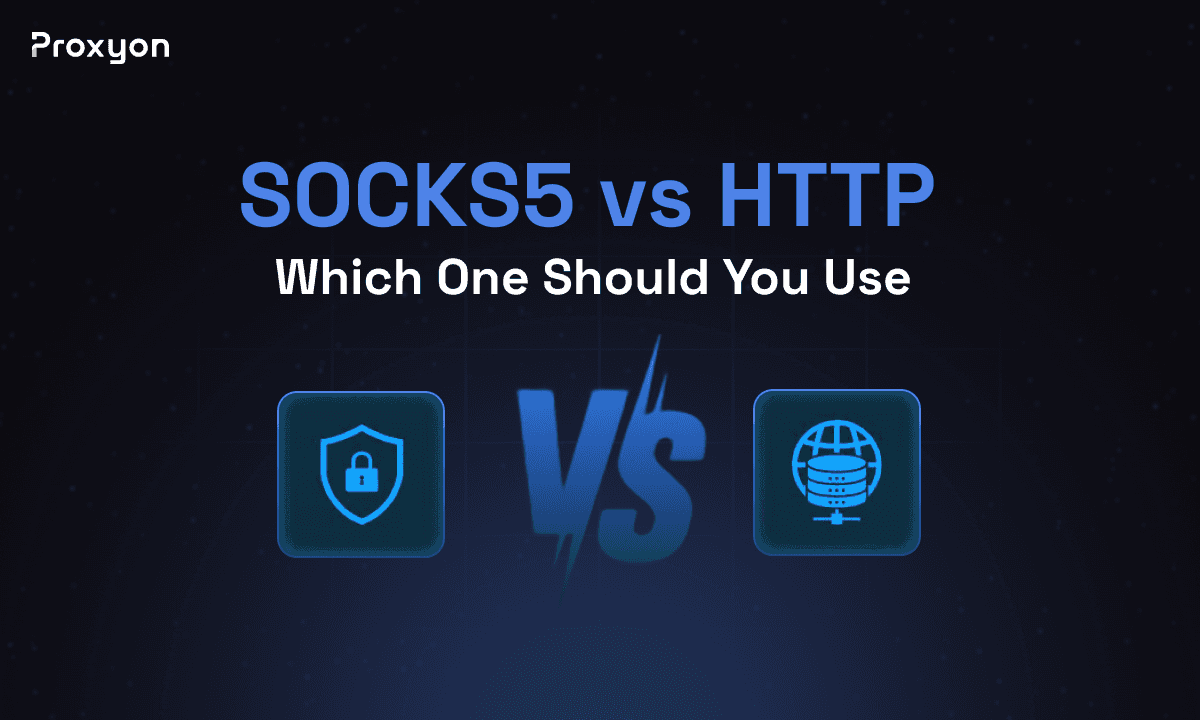
SOCKS5 vs HTTP Proxy

The biggest difference is how each proxy handles your traffic. HTTP proxies read and interpret your requests, which allows them to do things like cache pages and filter content, but it also means they only work with web traffic. SOCKS5 proxies don't touch your data at all; they just pass it through, which makes them protocol-agnostic and far more flexible.
Speed is another factor. HTTP proxies are generally faster for web-specific tasks because they're optimized for that type of traffic. SOCKS5 proxies can be slightly slower in some cases since they handle more overhead, but the difference is rarely noticeable in practice.
Detection is where things get more practical. HTTP proxies add headers to your requests that can expose the fact that you're using a proxy. SOCKS5 proxies don't add any headers, making them harder to detect and better suited for tasks where staying under the radar matters.
Which One Should You Use?

It comes down to what you're actually doing. If you're scraping websites, running browser automation, or doing SEO research, an HTTP proxy is the straightforward choice. It's built for web traffic and handles those tasks well without overcomplicating things.
If you need something more flexible, whether you're handling non-web traffic, need UDP support, or want less chance of being detected, SOCKS5 is the better option. It covers more ground and doesn't leave traces in your request headers the way HTTP proxies do.
For most web scraping and automation use cases, HTTP proxies get the job done. But if you're hitting targets with stricter detection or working outside of standard web protocols, SOCKS5 is the one to go with.
Also Read: Best Datacenter Proxy Providers
Final Thoughts
Both proxies have their place. HTTP proxies are the practical choice for web-based tasks, and SOCKS5 is the better pick when you need flexibility or want to stay harder to detect. Match the proxy type to what you're actually doing, and you'll avoid most of the issues that come with picking the wrong one.