


TL;DR
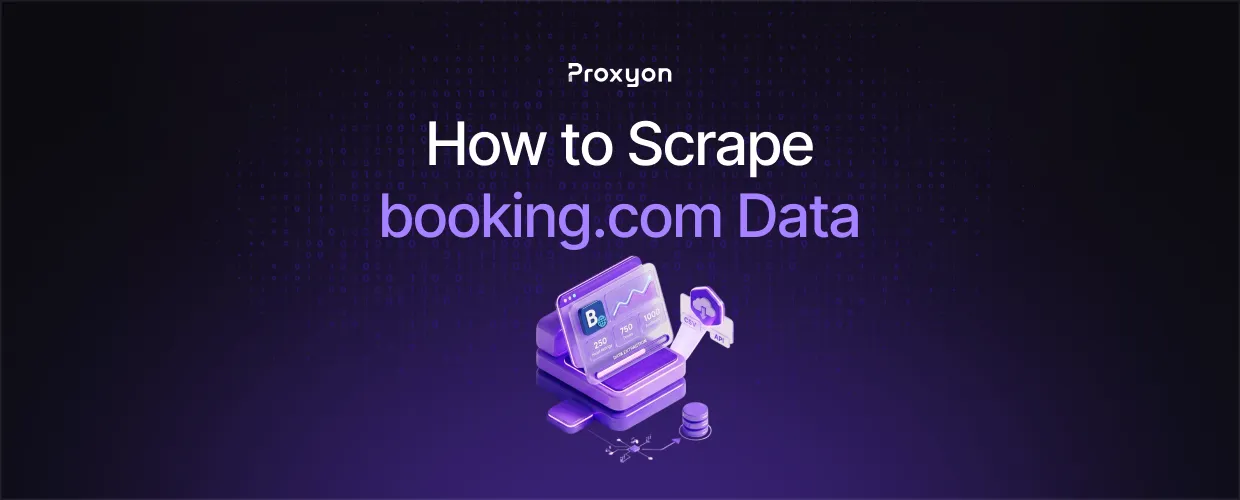
Booking.com renders search results with JavaScript and feeds them through a hidden GraphQL endpoint, so plain HTTP requests will not get you far. Use a headless browser like Playwright or capture the GraphQL calls directly, route everything through rotating residential proxies, and split large searches into smaller filtered queries to get around the 1,000 result display cap. Prices change based on your IP location and currency, so geo-targeted proxies are not optional if you care about accurate data.
Scraping Booking.com is one of the most common projects in travel data, and it is also one of the easiest ways to get your IP banned if you go in unprepared. The site combines JavaScript rendering, aggressive rate limiting, and location-based pricing, which means your setup matters as much as your code. In this article, we'll explore what data you can pull from Booking.com, how the site actually serves it, and how to build a scraper that keeps running past the first hundred requests.
What Data You Can Scrape from Booking.com

The useful targets are search result listings, individual property pages, and reviews. From search results, you get property names, prices, ratings, review counts, and locations. Property pages add amenities, room types, and availability calendars.
One thing worth knowing: Booking.com only displays a maximum of 1,000 results per search, no matter how many properties actually match. If you need full coverage of a city, split your search into smaller queries by district, star rating, or price range, and merge the results afterward.
Stick to public data. Review text is visible to anyone, but reviewer personal details and anything behind a login should stay off your list.
Also Read: What is a Web Scraping Proxy and Why You Need One
How Booking.com Serves Its Data
Search results are rendered with JavaScript, and the actual listing data comes from a GraphQL endpoint at booking.com/dml/graphql. You can watch these requests fire in your browser's network monitor while scrolling through results.
This gives you two workable approaches. The first is a headless browser like Playwright, which loads pages the way a real user would and handles the JavaScript for you. It is slower but simpler to maintain. The second is calling the GraphQL endpoint directly, which is much faster but breaks whenever Booking.com changes the request structure. Most guides only cover one of these, and the right choice comes down to what you are actually trying to do. For a few thousand listings, the browser approach is fine. For millions, you want the API layer.
Why Proxies Decide Whether Your Scraper Survives
Booking.com tracks request patterns per IP. Send too many requests from one address, and you get rate-limited, then blocked. Rotating residential proxies solve this by spreading your traffic across real household IPs that look like normal visitors.
There is a second reason proxies matter here, and competitors rarely mention it. Booking.com adjusts prices and currency based on your IP location. A hotel can show different rates to a visitor from Germany than to one from the US. If you are collecting pricing data, you need geo-targeted residential IPs in the exact market you are researching; otherwise your dataset is quietly wrong.
For scraping the GraphQL endpoint at high volume, datacenter proxies are the cheaper option since API-style requests draw less scrutiny than full page loads. The downside is they are easier to flag on the HTML pages themselves.
Also Read: How to Set Up Rotating Proxies for Web Scraping
A Minimal Python Setup
Here is the basic pattern with Python requests through a rotating proxy:
import requests

proxies = {
    "http": "http://username:password@gate.proxyon.io:port",
    "https": "http://username:password@gate.proxyon.io:port",
}

response = requests.get(
    "https://www.booking.com/searchresults.html?ss=Rome",
    proxies=proxies,
    headers={"User-Agent": "Mozilla/5.0 (Windows NT 10.0; Win64; x64)"},
)
print(response.status_code)
Every request goes out from a different IP. Add a delay of one to three seconds between requests, rotate your user agents, and retry failed requests with a fresh IP instead of hammering the same one.
FAQ Section
Is it legal to scrape Booking.com?
Scraping publicly available data is generally permitted in most jurisdictions, but Booking.com's terms of service prohibit automated access. Avoid personal data, respect rate limits, and get legal advice if you plan to use the data commercially.
Why does my scraper get blocked so fast?
You are likely sending too many requests from one IP or missing browser-like headers. Rotate residential IPs, slow your request rate, and set realistic user agents.
Can I scrape Booking.com without a headless browser?
Yes. The GraphQL endpoint serves the listing data directly, so you can call it with an HTTP client. It is faster but more fragile than a browser-based scraper.
Why do prices look different in my scraped data?
Booking.com adjusts prices and currency based on IP location. Use residential proxies located in the market you are researching to get accurate local rates.
How do I get more than 1,000 results per city?
Split the search into smaller filtered queries by neighborhood, star rating, or price bracket, then deduplicate the merged results.
Which proxy type is best for Booking.com?
Residential proxies for search pages and property pages, since those are the most protected. Datacenter proxies work for lighter API-style requests where cost matters more.
How often should I re-scrape pricing data?
Hotel prices change daily and sometimes hourly. For price monitoring, daily runs per market are the usual baseline, with hourly runs reserved for high-priority properties.
Final Thoughts
Scraping Booking.com comes down to two decisions: how you fetch the data and where your requests come from. A headless browser is the simple route, the GraphQL layer is the fast one, and rotating residential IPs in the right location keeps either approach alive and your pricing data accurate.
