


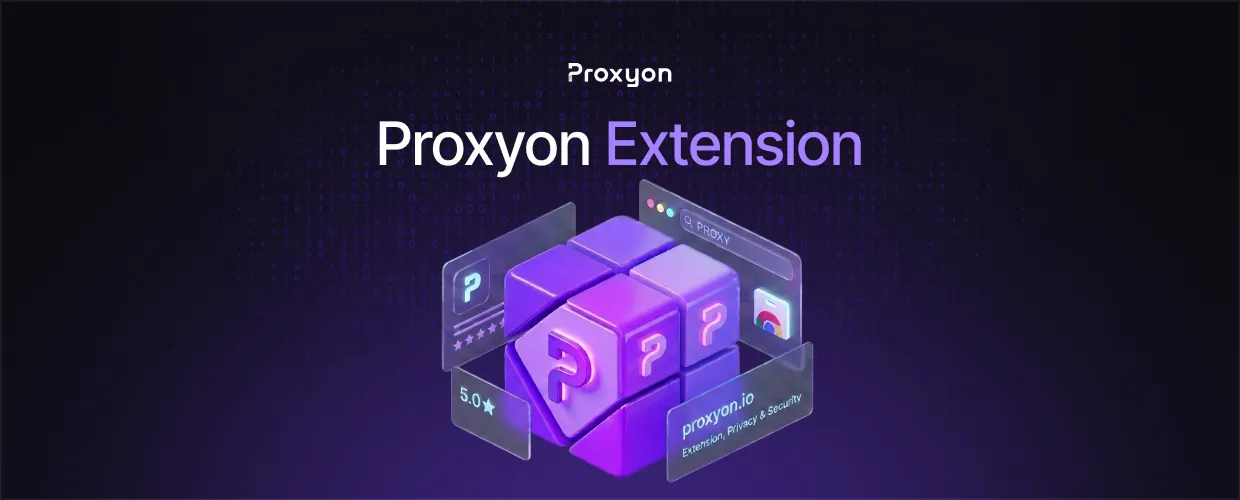
TL;DR
The Proxyon Extension is a free Chrome proxy manager that saves your proxies as profiles and switches your whole browser in one click. It supports HTTP and SOCKS5 and works with any provider, no account needed.
The Proxyon Extension turns Chrome into a proxy-controlled browser. Paste in a proxy, save it as a profile, and route all Chrome traffic through that IP. In this article, we'll explore what the extension does, how to set it up, and how it compares to other Chrome proxy extensions.
What Is the Proxyon Extension
A proxy server sits between your browser and the internet, replacing your real IP with its own. Chrome itself has no proxy manager, so switching usually means digging through OS settings.
This extension removes that friction. It keeps your proxies in one list inside Chrome, connects the whole browser in one click, and disconnects just as fast. Switching is instant, no restarts.
One thing worth knowing: it is provider-agnostic. It works with residential proxies, datacenter proxies, or proxies you already own elsewhere, over HTTP or SOCKS5.
Also Read: How to Set Up Socks5 Proxy on Windows 11 (2026)
How to Set It Up

Setup takes a minute:
- Add the Proxyon Extension from the Chrome Web Store.
- Open it and paste in your proxy details (host, port, username, password).
- Save the proxy as a profile.
- Click connect, then run the built-in IP check to confirm your new address.
Profiles are unlimited, so separating proxies by task is easy.
Proxy Extension Comparison
FoxyProxy and SwitchyOmega forks are powerful but take time to learn, and several older tools broke under Chrome's Manifest V3 changes. Provider extensions from big scraping companies lock you into their proxies and require an account.
The Proxyon Extension keeps it simple: free, no account, no lock-in. The downside is it skips per-domain routing rules. If you need URL-based auto-switching, a rule-driven manager fits better. For everything else, one click wins.
Also Read: IP Rotation: How It Works and Why It Matters for Scraping (2026)
FAQ Section

Is the Proxyon Extension free?
Yes. Free to use, no account needed.
Does the Extension work with proxies from other providers?
Yes. It accepts any HTTP or SOCKS5 proxy, not just Proxyon proxies.
Which protocols does it support?
HTTP and SOCKS5, covering nearly every modern proxy.
Does it change my system proxy settings?
No. It only controls Chrome. Your system stays on its normal connection.
How do I confirm the proxy is working?
Run the IP check after connecting. It shows your new IP.
Does the extension collect my data?
No. The store listing states it does not collect or use your data.
Final Thoughts
The Proxyon Extension is the right call when you want browser-level proxy control without the learning curve of rule-based managers. It does one job, one-click switching, and does it cleanly.
