


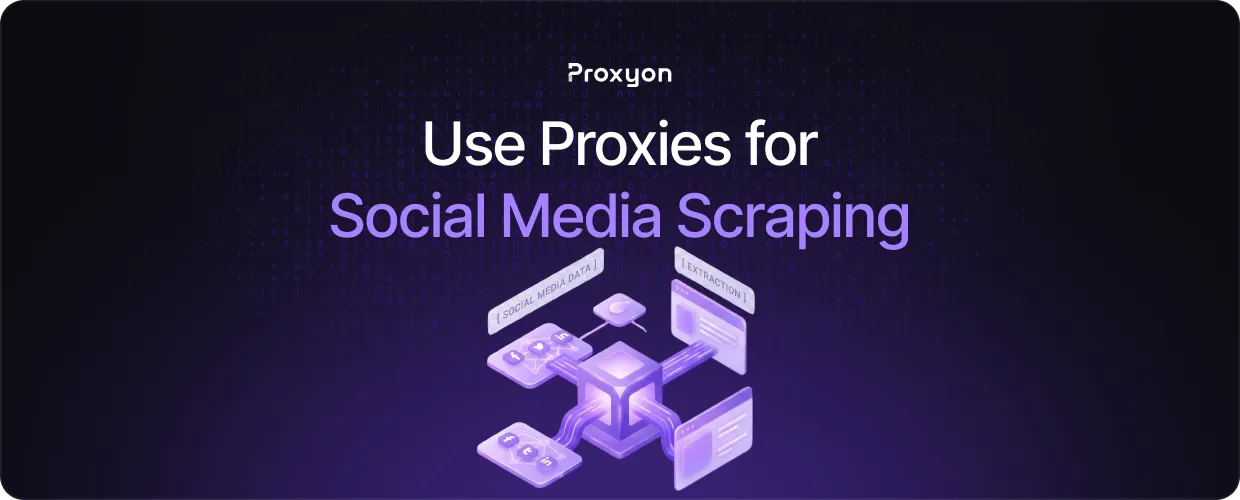
Social media platforms like Twitter/X, Instagram, and LinkedIn are aggressive about blocking scrapers. They rate-limit IPs fast, and a single IP sending too many requests gets banned almost immediately. Proxies solve this by rotating your traffic across different IPs, keeping your scraper running without interruption.
We'll explore how proxies work for social media scraping, which proxy types to use, and how to set everything up without getting blocked.
Setting Up Proxies for Social Media Scraping
Most providers give you a single endpoint and handle IP rotation on their end. With Proxyon, every request automatically goes out from a different IP with no extra configuration needed.
Request pacing is the main thing you control. A delay of one to three seconds between requests is a reasonable starting point. Sticky sessions matter for tasks like navigating a profile or paginating through posts, where you need the same IP address held throughout. For JavaScript-heavy platforms like Instagram or LinkedIn, pair your proxies with a headless browser like Playwright or Puppeteer and pass the proxy endpoint directly into the browser config.
Monitor your error rate once everything is running. A spike in 403s or CAPTCHAs usually means your request pace is too aggressive or you need residential IPs instead of datacenter ones.
Also Read: What Are Rotating Proxies?
Why Social Media Platforms Block Scrapers

Platforms track how many requests a single IP sends in a given time window. Once you cross that threshold, you either get rate-limited or outright banned. They also look at behavioral signals like perfectly timed requests and missing session cookies, patterns that no real user would produce.
Residential proxies are the most effective solution because the IPs belong to real devices on real ISP connections. Platforms have a much harder time flagging a residential IP compared to a datacenter one, which comes from a known commercial server range and is easy to block.
How Proxies Beat Social Media Blocks
Proxies route your requests through a pool of different IPs, so the platform never sees enough traffic from a single source to trigger a block. Datacenter proxies are fast and cheap, but platforms like Instagram and LinkedIn block their IP ranges outright. Residential proxies are the better choice since the IPs come from real ISP-assigned devices.
Residential proxies rotate automatically through a large pool, keeping your scraper running consistently without manual intervention.
Also Read: Datacenter Proxies for Web Scraping
Final Thoughts
Rotating residential proxies solves most of the blocking issues you will run into when scraping social media. Pace your requests, use sticky sessions where needed, and pair with a headless browser for JavaScript-heavy platforms. Residential proxies start at $1.75/GB with no subscription required. Get started at proxyon.
