


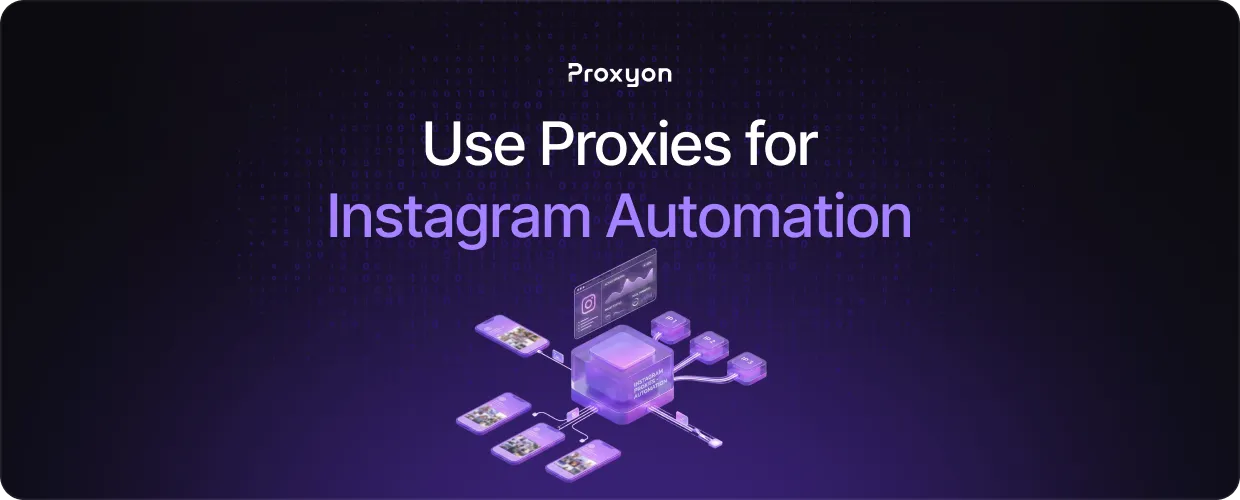
Instagram automation is one of the more complex use cases for proxies. When you run multiple accounts or automate actions like following, liking, or scraping profiles, Instagram flags the activity fast and bans the IP. Proxies let you distribute that traffic across different IPs so each account looks like it's coming from a separate, legitimate user.
In this article, we'll explore which proxy types work for Instagram, how to assign them correctly, and how to avoid getting your accounts banned.
Which Proxy Type Works for Instagram

Residential proxies are the only realistic option. They come from real ISP-assigned addresses, making them much harder for Instagram to flag.
Datacenter proxies get detected almost immediately, and bans follow fast. Mobile proxies are the safest but expensive, so they only make sense for high-value accounts. Assign one proxy per account and stick to it because rotating a single account across multiple IPs raises flags just as fast as using no proxy at all.
How to Assign Proxies to Instagram Accounts
For multi-account browsers like Multilogin or AdsPower, add the proxy details inside each profile's settings in IP:port:username:password format, and every session routes through that proxy automatically.
For scripts using Playwright or Selenium, pass the proxy at the browser launch level. Each script instance should be initialized with its account's dedicated proxy. Mixing proxies between accounts inside the same script is a common mistake that gets accounts flagged.
The rule is always the same: one account, one proxy, consistent use.
How to Avoid Getting Your Accounts Banned
Proxies alone don't prevent bans. Automating hundreds of actions per hour is an immediate red flag regardless of proxy type. Keep action limits conservative and warm up new accounts gradually before running any automation.
Never switch IPs on an account that already has activity history. Residential proxies help here since the IPs are tied to real locations, keeping the activity pattern natural.
Device fingerprinting is another overlooked factor. If multiple accounts share the same browser fingerprint, Instagram connects them even with different IPs. Multi-account browsers solve this by giving each profile a unique fingerprint alongside the dedicated proxy. Avoid running automation around the clock as well, because accounts that never go offline draw attention fast.
Final Thoughts
Using proxies for Instagram automation comes down to picking the right proxy type, assigning them correctly, and keeping the behavior natural. Residential proxies are the best option given Instagram's aggressive detection, and they provide a large pool of real IPs at $1.75/GB with no subscription required. Deposit $5 and get started at Proxyon.
