


TL;DR
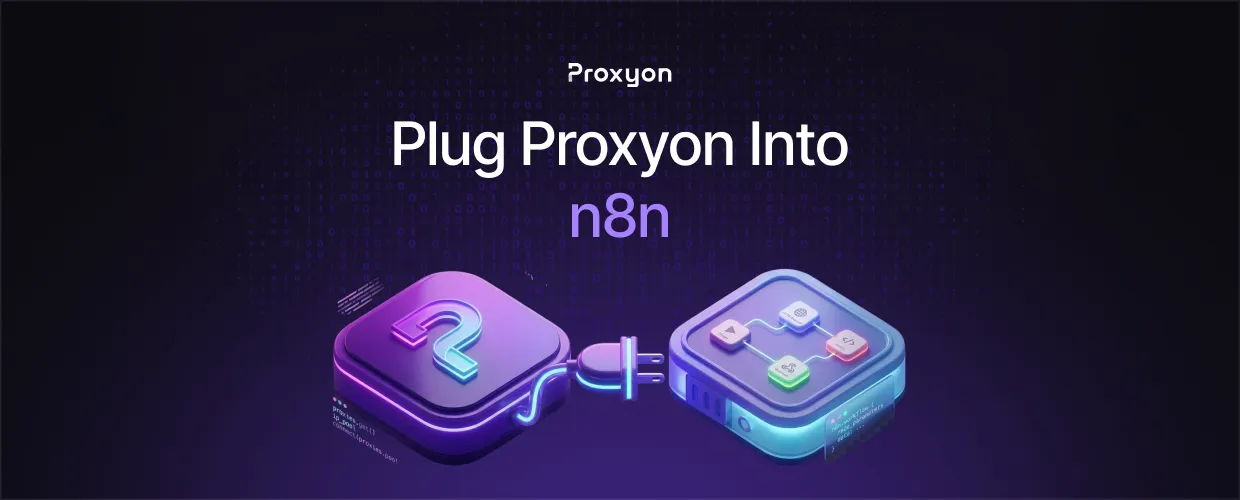
n8n's request node doesn't expose a proxy setting in the UI. On a self-hosted instance, set HTTP_PROXY and HTTPS_PROXY as environment variables pointing to your Proxyon endpoint, restart n8n, and every workflow inherits the proxy automatically. This does not work on n8n Cloud, since you have no access to its environment configuration.
Why n8n Doesn't Expose a Proxy Field
n8n runs on Node.js, and its HTTP Request node relies on that runtime's networking layer. Per n8n's official docs, n8n reads standard HTTP_PROXY, HTTPS_PROXY, and NO_PROXY variables through the proxy-from-env package, and lowercase versions take precedence over uppercase if both are set. Configure it once at the process level and every node inherits it, no per-workflow setup required.
Setting Proxyon as Your Environment Proxy
- Grab your endpoint, port, and credentials from your Proxyon dashboard.
- Add HTTP_PROXY and HTTPS_PROXY to your .env or docker-compose.yml, formatted as http://user:pass@residential.proxyon.io:8080.
- Restart the n8n container or service. Variables only load on startup.
- Test with an HTTP Request node hitting https://httpbin.org/ip and confirm the IP matches Proxyon.
One caveat worth knowing: a few reported cases show certain external-service nodes bypassing the proxy agent entirely, even with the variables set correctly. If a specific node isn't routing through Proxyon, test it standalone before assuming your config is wrong.
Also Read: Node.js Proxy Setup
Rotating Sessions Inside Workflows
An env var proxy stays fixed for the life of the process, which works fine with a rotating endpoint since Proxyon rotates the IP per connection automatically. For a workflow that needs a sticky session instead, the env var alone won't isolate a single run. Use a Code node with axios and https-proxy-agent, passing a session ID in the username to lock the IP for that execution.
Also Read: Rotating Residential Proxies Explained
FAQ Section

Can I set a different proxy per workflow?
Not through env vars. Use a Code node with https-proxy-agent for per-workflow overrides.
Does this work on n8n Cloud?
No. You need shell access to inject the variables, which Cloud doesn't provide.
Will this slow workflows down?
Slightly. Proxy hops add latency, but datacenter proxies keep the overhead low.
Do I need a paid n8n license to set environment variables?
No. Environment variable configuration works the same on the free, self-hosted community edition.
Can I exclude certain domains from the proxy?
Yes. Add them as a comma-separated list in NO_PROXY, and n8n connects directly to those hosts instead of routing through Proxyon.
Can I run residential and datacenter proxies in the same n8n instance?
Only one endpoint is active per protocol at a time through env vars. To mix proxy types across workflows, override the request in a Code node instead of relying on the global setting.
Final Thoughts
Setting Proxyon as your n8n environment proxy is worth doing the moment your workflows start getting rate-limited or blocked by target IPs. It's a one-time restart with no changes to your workflow logic. Proxyon runs pay-as-you-go with no subscriptions, so you can test this on your own instance before scaling up.
