


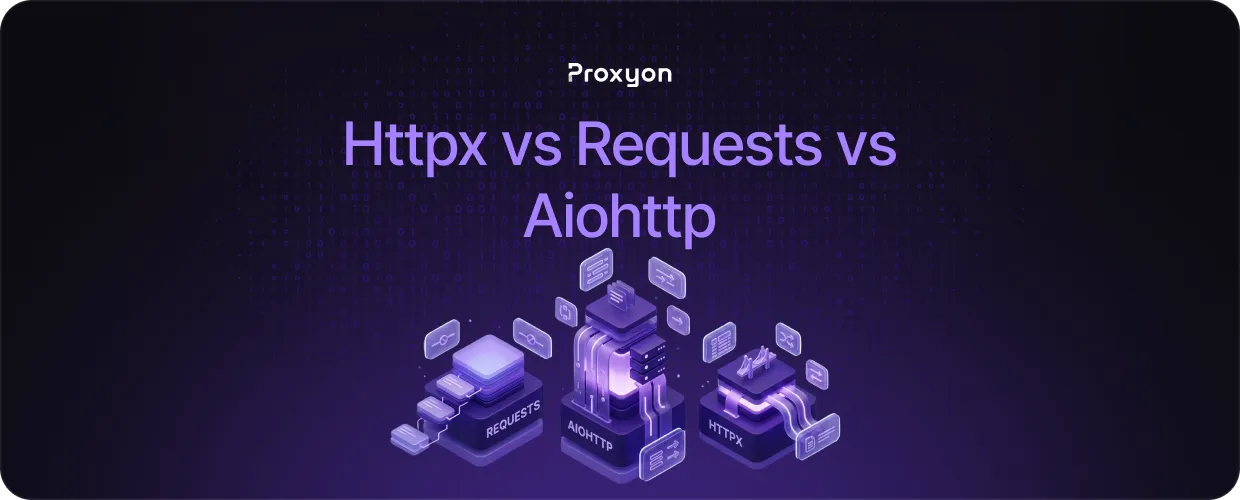
Python gives you three options for making HTTP requests: Requests, HTTPX, and AIOHTTP. Requests have been the default choice for years, but have no async support. AIOHTTP is fully asynchronous, and HTTPX sits in between, offering both sync and async modes. Picking the wrong one will either slow your scraper down or add unnecessary complexity.
In this article, we'll explore how each library works and which one fits your project.
Differences Between Requests, HTTPX, and AIOHTTP
Requests are synchronous, meaning each request blocks execution until a response comes back. Simple to use, but becomes a bottleneck when sending hundreds of requests in parallel.
AIOHTTP is fully asynchronous and built on Python's asyncio, so you can fire off multiple requests concurrently. It only works in an async context, which adds overhead if your project is not already async-compatible.
HTTPX gives you both. It supports sync and async in one package, has an API nearly identical to Requests, and supports HTTP/2 natively, which neither Requests nor AIOHTTP does by default.
Also Read: How to Scrape Google Search Results With Python
Which One Should You Use?

For simple scripts, Requests is still the easiest choice. No async setup required.
For high-volume scrapers handling thousands of requests, AIOHTTP performs better under heavy concurrency, but your entire project needs to be async-compatible.
For everything in between, HTTPX is the safest pick. It handles sync and async, supports HTTP/2, and integrates cleanly with tools like Playwright and Scrapy without locking you into a purely async architecture. For web scraping, HTTPX covers most use cases without overcomplicating your setup.
Using Proxies With Your Chosen Library

All three libraries support proxies. With Requests:
import requests

proxies = {
    "http": "http://user:pass@proxy.proxyon.io:port",
    "https": "http://user:pass@proxy.proxyon.io:port"
\}

response = requests.get("https://example.com", proxies=proxies)
print(response.status_code)$
With HTTPX:
import httpx

with httpx.Client(proxies="http://user:pass@proxy.proxyon.io:port") as client:
    response = client.get("https://example.com")
    print(response.status_code)$
With AIOHTTP:
import aiohttp, asyncio

async def fetch():
    async with aiohttp.ClientSession() as session:
        async with session.get("https://example.com", proxy="http://user:pass@proxy.proxyon.io:port") as response:
            print(response.status)

asyncio.run(fetch())$
For rotating proxies, Proxyon handles IP rotation automatically through a single endpoint, so the code above works as-is. Not sure which format to use? Check Proxyon's tools to format and verify your proxy credentials before plugging them in.
Also Read: How to Integrate Proxies Into Scrapy Spiders
Final Thoughts
Requests works for simple scripts, HTTPX covers most projects, and AIOHTTP wins on raw async performance. Add rotating proxies to avoid IP blocks, and you have a solid setup. Residential proxies start at $1.75/GB with no subscription required. Deposit $5 and start at Proxyon.
