


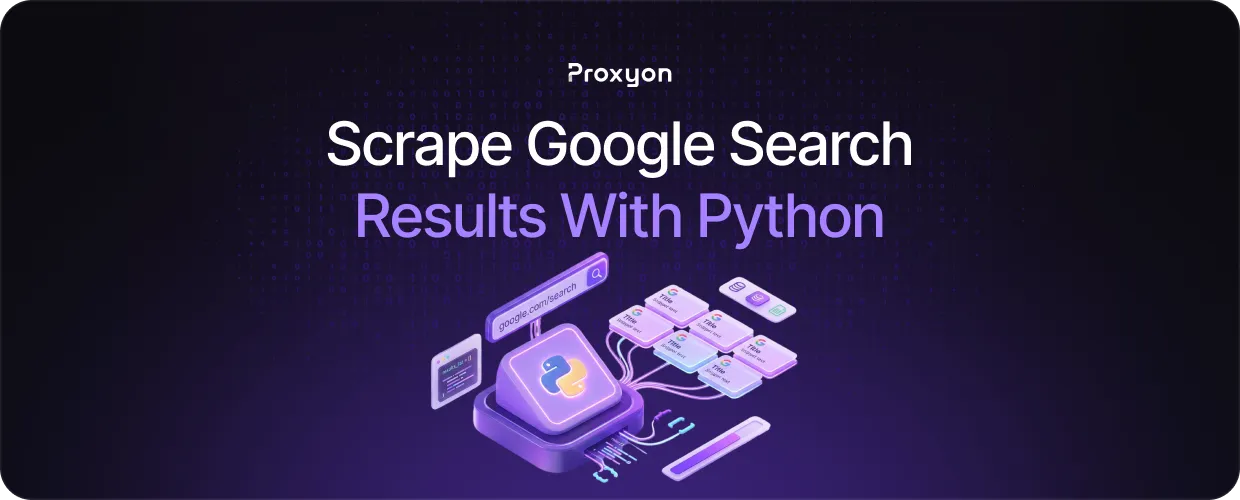
Scraping Google search results gives you access to ranking data, competitor visibility, and keyword trends without paying for expensive tools. Python makes this straightforward, but Google actively blocks automated requests, so a naive script will get rate-limited or banned almost immediately. The right setup, combining a proper HTTP client, a parser, and rotating proxies, gets around this reliably.
In this article, we'll explore how to build a working Google scraper in Python, what to watch out for, and how to keep it running without getting blocked.
How to Set Up Your Python Scraper
You need two libraries: Requests to send HTTP requests and BeautifulSoup to parse the HTML. Install them with pip:
pip install requests beautifulsoup4
Google's search URL takes a q parameter, so https://www.google.com/search?q=your+query is your starting point. Here is a basic script that fetches the page and pulls out the result titles:
import requests
from bs4 import BeautifulSoup

headers = {"User-Agent": "Mozilla/5.0"\}
query = "web scraping with python"
url = f"https://www.google.com/search?q={query\}"

response = requests.get(url, headers=headers)
soup = BeautifulSoup(response.text, "html.parser")

for result in soup.select("h3"):
    print(result.text)$
The User-Agent header tells Google your request is coming from a real browser. Without it, you get blocked immediately.
Also Read: What Are Rotating Proxies?
Handling Google's Anti-Bot Measures

Google tracks request patterns, not just individual requests. The two things that matter most are request pacing and header rotation. Adding a delay over time.sleep() reduces the chances of triggering rate limits, and rotating your User-Agent makes your traffic harder to flag.
import time
import random

user_agents = [
    "Mozilla/5.0 (Windows NT 10.0; Win64; x64)",
    "Mozilla/5.0 (Macintosh; Intel Mac OS X 10_15_7)",
    "Mozilla/5.0 (X11; Linux x86_64)"
]

headers = {"User-Agent": random.choice(user_agents)\}
time.sleep(random.uniform(2, 5))
This works for small runs, but for anything beyond a few searches, Google will eventually tie the requests back to your IP and block it. That is where proxies come in.
Scaling Your Scraper With Rotating Proxies

Once you start scraping at scale, a single IP will not last long. Rotating proxies solve this by assigning a different IP to each request, so Google never sees enough traffic from one source to trigger a block.
proxies = {
    "http": "http://username:password@proxy_host:port",
    "https": "http://username:password@proxy_host:port"
\}

response = requests.get(url, headers=headers, proxies=proxies)$
For Google scraping, residential proxies are the right choice. Datacenter IPs are easy for Google to identify and block, while residential IPs look like normal user traffic and are much harder to filter out. Residential proxies start at $1.75/GB with no subscription required. You can get started at proxyon.
Also Read: How to Use Residential Proxies for Ad Verification
Final Thoughts
Scraping Google with Python is straightforward once you handle the anti-detection side. Set up your scraper correctly, pace your requests, and use rotating residential proxies, and you will have a reliable pipeline for ranking data, competitor monitoring, or any workflow that depends on search results.
