


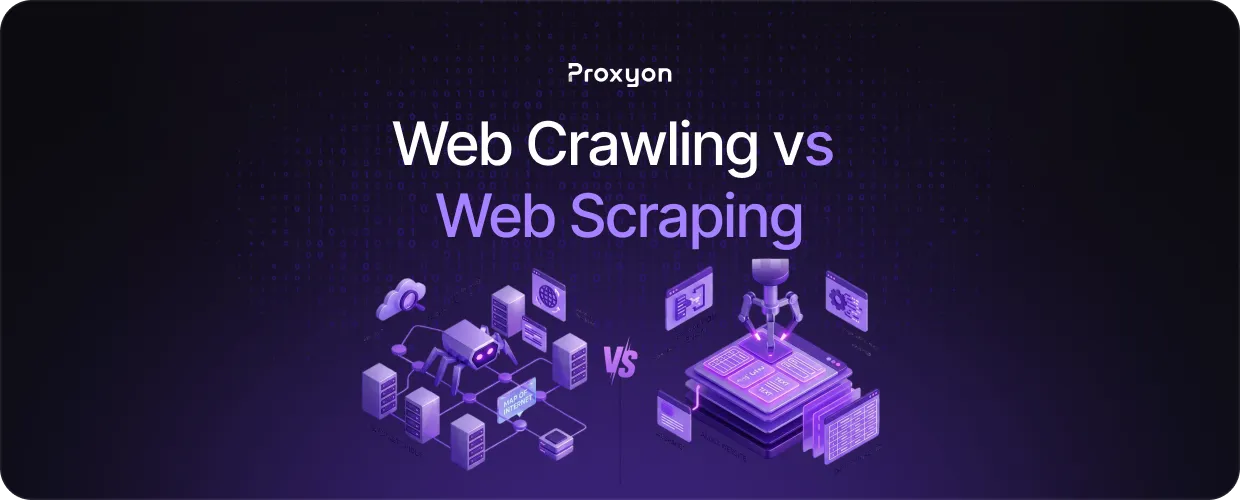
People use the terms web crawling and web scraping interchangeably, but they are not the same thing. Crawling is about discovery, moving from link to link to map out what exists on the web. Scraping is about extraction, pulling specific data from pages you have already identified. Mixing them up leads to building the wrong tool for the job.
In this article, we'll explore what sets them apart, how they work, and when to use each one.
How Web Crawling and Web Scraping Work
A web crawler starts at a seed URL and follows every link it finds, moving from page to page and building a map of the site's structure. Search engines like Google use crawlers to index the web, but you can run your own to discover all the URLs on a target site before doing anything else with them. The crawler does not care about the content on those pages, only that they exist and where they lead.
A web scraper works differently. You point it at a specific URL, and it pulls the data you actually need, whether that is product prices, article text, or contact details. The scraper knows exactly what to look for and extracts it in a usable format like JSON or CSV.
The key difference is intent. Crawling maps, scraping extracts. Most large-scale data collection projects use both, first crawling to build a list of target URLs, then scraping each one for the data they need.
Also Read: How to Scrape Amazon Product Data
When to Use Crawling vs. Scraping
Use crawling when you do not know exactly which pages you need yet. If you want to monitor an entire e-commerce site for price changes, you need to discover every product page first. A crawler handles that automatically by following internal links until it has covered the full site.
Use scraping when you already have the URLs and just need the data on them. If someone hands you a list of 500 product pages, there is no need to crawl anything. You go straight to extracting the data.
The lines blur when dealing with large sites that update constantly. New products get added, pages get removed, and URLs change. In that case, you run the crawler on a schedule to keep your URL list current, then run the scraper against whatever is new or updated.
Combining Crawling and Scraping in One Pipeline
Most real-world projects combine both. The crawler runs first and outputs a list of URLs. The scraper then processes that list and extracts the data you need. This separation keeps your code clean and makes each component easier to maintain and scale independently.
When running either at scale, rotating residential proxies prevents your IPs from getting blocked mid-run. Without them, both your crawler and scraper will hit rate limits and bans before they finish.
Also Read: How to Integrate Proxies Into Scrapy Spiders
Final Thoughts
Crawling finds the pages, scraping pulls the data. Use them together, and you have a complete pipeline. Running either at scale means you will need rotating proxies to avoid getting blocked. Residential proxies start at $1.75/GB with no subscription required. Get started at proxyon.
