


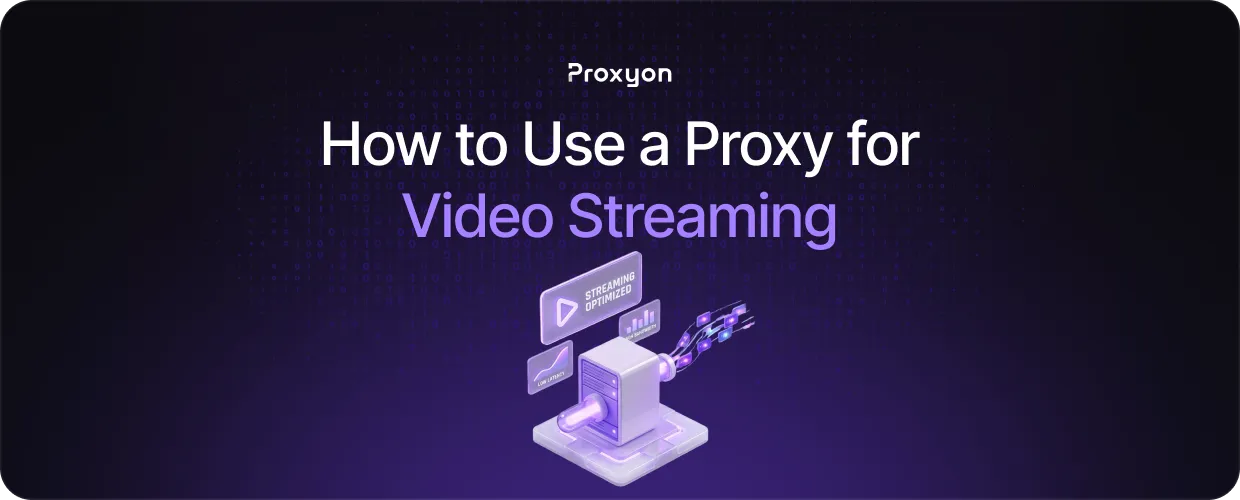
Geo-restrictions are one of the most frustrating things about video streaming. A show available in the US might be completely blocked in your country, and there is nothing you can do about it without changing how your traffic appears to the platform. That is exactly what a proxy does. It routes your connection through a server in a different location, making the platform think you are browsing from somewhere else.
In this article, we'll explore how proxies work for video streaming, which proxy type fits best, and how to get started without getting blocked.
Why Streaming Platforms Block Your IP
Streaming platforms license content by region, which means they are legally required to restrict access based on location. They do this by checking your IP address every time you connect. If your IP is registered in a blocked region, you get an error or a stripped-down content library.
Services like Netflix and Hulu maintain blocklists of known datacenter IP ranges, so a cheap datacenter proxy gets flagged almost immediately. Residential IPs look identical to regular user traffic, which is why they are the go-to choice for reliable streaming access.
Also Read: What is a Transparent Proxy
Which Proxy Type Works Best for Streaming
Residential proxies are the strongest option. They use IPs assigned to real households by ISPs, so streaming platforms have no reliable way to distinguish them from regular viewers.
Datacenter proxies are faster and cheaper, but most major platforms have blocklisted large portions of their IP ranges. They can still work on smaller streaming sites, but for platforms like Netflix or Disney+, they will fail more often than not.
Mobile proxies carry carrier-assigned IPs that are nearly impossible to block. They work, but the cost rarely justifies it unless the platform specifically filters out residential traffic as well.
For most streaming use cases, residential rotating proxies from Proxyon hit the right balance between reliability and cost.
How to Set Up a Proxy for Video Streaming
Most providers give you a single endpoint URL with a port, username, and password. You plug those into your browser or app's proxy settings, and you are done.
For streaming specifically, connect through a server in the region where the content is licensed. Proxyon lets you target specific countries directly through the endpoint configuration. Rotate your IP between sessions rather than mid-stream to avoid triggering platform detection.
Also Read: Residential Proxy Service
Final Thoughts
Residential proxies give you the best shot at consistent access, datacenter proxies work for less protected targets, and mobile proxies cover the toughest cases. Match your proxy type to the platform, point your endpoint to the right region, and rotate between sessions. Proxyon's residential proxies start at $1.75/GB with no subscription required.
