

TL;DR
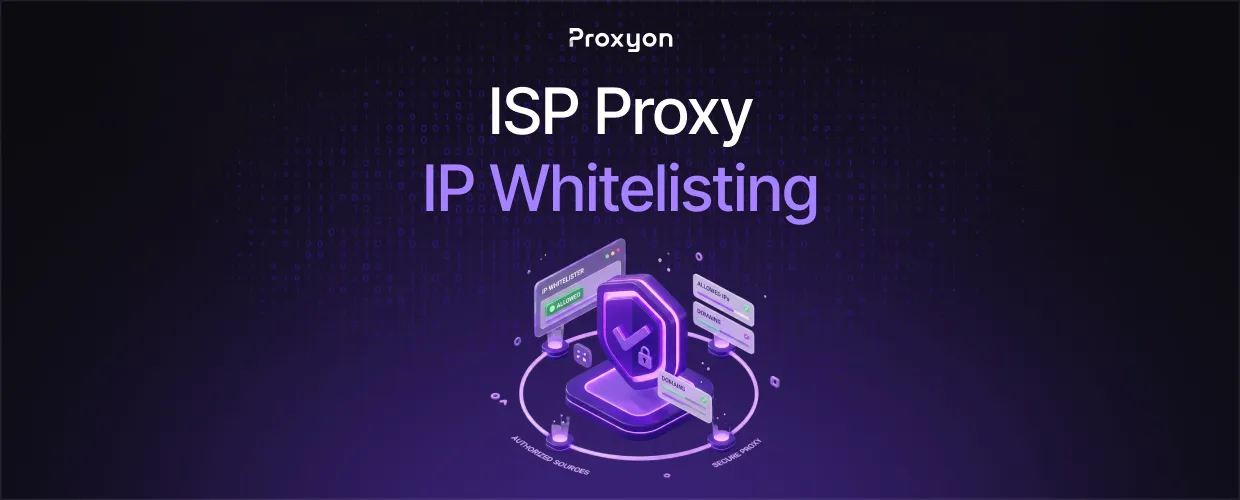
IP whitelisting authenticates your ISP proxy connections by your source IP address instead of a username and password.
IP whitelisting is an authentication method where a proxy provider only accepts connections from IP addresses you've pre-approved on your account. No login string, no password field. The proxy checks the address your request is coming from against a list, and either lets it through or drops it. For ISP proxies, which combine datacenter-grade speed with IPs registered to real internet service providers, this matters because these setups are often run from fixed servers, offices, or automation environments where the source IP doesn't change often. That makes whitelisting a natural fit, but only if you manage it correctly.
Setting Up IP Whitelisting

- Find your current public IP address (search "what is my IP" or check your server's outbound address, not your local network IP).
- Log into your proxy provider's dashboard and locate the authentication or whitelist settings.
- Add the IP address exactly as shown, no subnet mask unless the provider explicitly asks for one.
- Save the change and test a single request before pointing your full scraper or automation job at it.
- Repeat for every server, office, or team location that needs access.
Also Read: How to Use a Proxy Server on Any Device
Whitelisting vs Username & Password
Both methods do the same job: proving you're allowed to use the proxy. They just check different things.
Username and password travels with the request itself, encoded in the Proxy-Authorization header, so it works from any location or device without touching the provider's dashboard. The downside is that credentials can leak into logs, scripts, or shared code repositories if you're not careful.
Whitelisting removes that risk entirely since there's nothing to leak. The IP address either matches or it doesn't. The downside is that whitelisting breaks the moment your IP changes, and mobile or home internet connections change IPs constantly. This is also why username and password credentials need to be handled with care. If you go that route, OWASP's guidance on secrets management is worth following: keep proxy credentials out of source code and config files, and rotate them if you suspect a leak.
Use whitelisting for fixed servers and internal infrastructure. Use username and password for anything running from a laptop, a home network, or a rotating cloud instance.
Also Read: What is Proxyon.io? And Why You Should Use It
Managing Whitelists Across a Team

Teams running scraping or automation jobs from multiple locations run into whitelist sprawl quickly. Every new laptop, office, or CI server means another IP to add and track.
One thing worth knowing: most providers cap the number of whitelisted IPs per account. If your team is growing or your infrastructure moves around often, username and password authentication scales better since it doesn't depend on tracking physical locations.
For residential proxies used across a distributed team, this comes down to what you are actually trying to do. A small, fixed set of servers favors whitelisting. A team working from home networks, coffee shops, or client sites favors credentials.
Quick Reference: Python Example
import requests

proxies = {
    "http": "http://username:password@proxy.proxyon.io:PORT",
    "https": "http://username:password@proxy.proxyon.io:PORT",
}

response = requests.get("https://example.com", proxies=proxies)
print(response.status_code)
If your IP is whitelisted instead, drop the username:password segment entirely and connect directly to the host and port. The provider authenticates you by the connecting IP, not the credentials in the URL.
FAQ Section

Does IP whitelisting work with rotating proxies?
Not reliably. Rotating pools change your outbound IP by design, so there's nothing fixed for the provider to check against. Whitelisting is built for static setups, not rotation.
What happens if my whitelisted IP changes?
Every request starts failing with a connection or authorization error until you update the entry in your dashboard. There's no fallback, so it's worth adding a whitelist check to your monitoring if uptime matters.
Can I whitelist more than one IP address?
Yes, most providers let you add multiple IPs to the same account, which covers a handful of fixed servers or office locations. Just check your provider's cap, since some limit how many you can add per plan.
Is IP whitelisting more secure than username and password?
It removes the risk of leaked credentials, since there's nothing to steal from logs or code. It's not inherently more secure overall though, since it depends entirely on the whitelisted IP staying under your control.
Do I need a static IP to use whitelisting?
Yes, effectively. A dynamic IP that changes periodically will break the whitelist entry each time it rotates, so whitelisting only makes sense for servers, offices, or connections with a fixed address.
Final Thoughts
IP whitelisting is the right call for fixed servers or dedicated infrastructure where the source IP doesn't change. It removes the risk of leaked credentials, but breaks the moment your IP shifts, so it's not a fit for laptops or home networks.
