


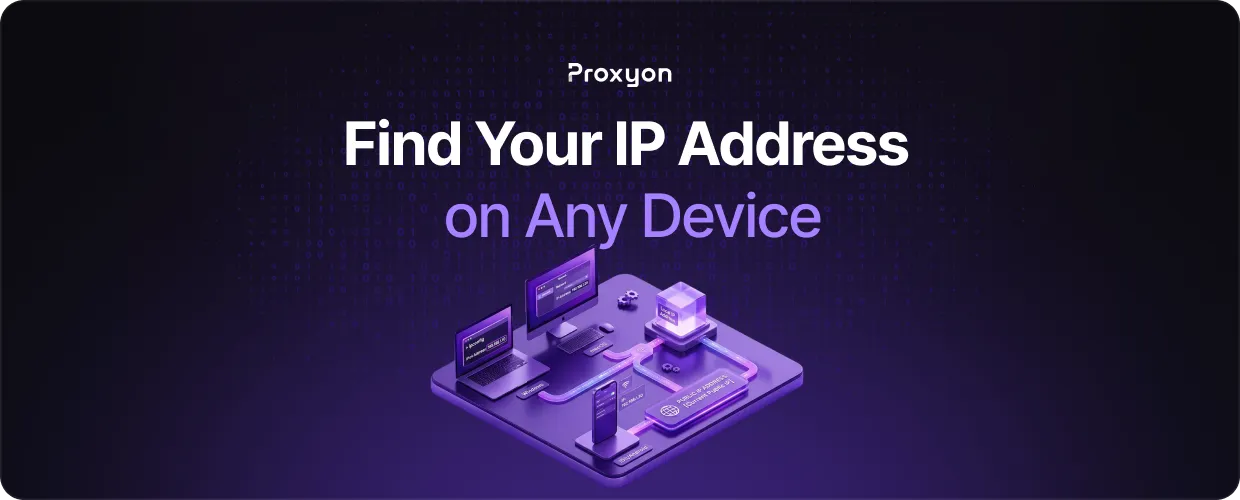
Your IP address is the identifier your device uses to communicate on the internet. Every request you send carries your IP. Knowing how to find it matters a lot more once you start working with proxies.
Public IP vs Local IP
Two types. Your local IP is what your router assigns inside your home network. Your public IP is what websites and APIs actually see. For proxy and scraping work, the public IP is what matters.
The fastest way to check your public IP is to open a browser and visit proxyon tools, or run this in your terminal:
If you're behind a proxy, this returns the proxy's IP. That's exactly how you verify your proxy is active.
How to Find Your Local IP by Device
Windows
- Open Command Prompt and run ipconfig
- Look for IPv4 Address under your active adapter
macOS
- Open Terminal and run ifconfig | grep "inet "
- Ignore 127.0.0.1 that's loopback
Linux
ip addr show
Find your active interface (eth0 or wlan0) and look for the inet line.
iPhone
Settings → Wi-Fi → tap (i) next to your network → IPv4 Address
Android
Settings → Wi-Fi → tap your network → IP address
Check Your IP From Code
If you're running a scraper, verify your outbound IP before every run:
import requests

response = requests.get("https://api64.ipify.org?format=json")
print(response.json())
# Output: {'ip': '203.0.113.42'\}
Call this through your proxy to confirm rotation is working. If the IP doesn't change between requests, your rotation setup is broken.
Also Read: How to Rotate Proxies in Python Requests (2026)
Why It Matters for Proxies

Every site you scrape logs your public IP. Too many requests from one address, and you get blocked. Rotating proxies cycle through a pool of IPs so no single address builds up enough traffic to trigger a ban. Residential proxies look like real users. Datacenter proxies are faster but easier to detect.
IP lookups also verify geo-targeting. If you need data from a specific region, check the outbound IP to confirm you're actually routing through there. Proxyon supports city-level targeting across 150+ countries.
Final Thoughts
Know the difference between local and public IP. Always verify your outbound IP before a scraping run. Use code-based lookups to confirm rotation is working. If you need clean residential or datacenter IPs, Proxyon is pay-as-you-go with no subscriptions $5 minimum deposit, start in minutes.
