


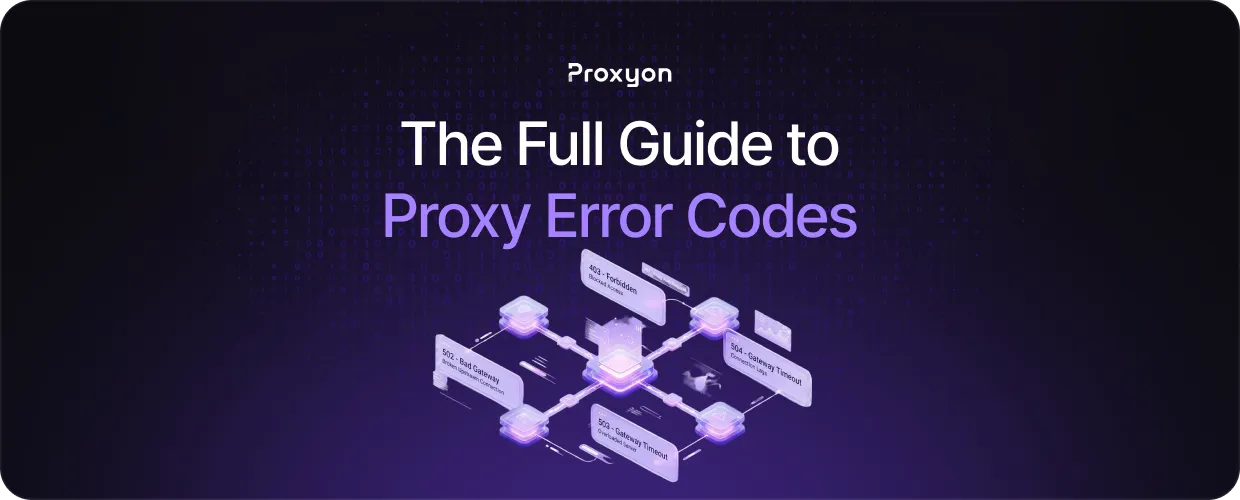
Every proxy setup eventually throws an HTTP status code or connection error: a 407, a 403, a 502, or a plain timeout. These codes look similar but point to very different problems, from bad authentication to IP bans to issues on the target server. Knowing what each one means turns troubleshooting from guesswork into a quick fix.
In this article, we'll explore the most common proxy error codes, their causes, and how to fix them.
Authentication Errors (401, 403, 407)
A 407 Proxy Authentication Required error means the proxy is rejecting your credentials. Check that the username and password in your connection string match exactly what your provider issued.
A 401 Unauthorized error comes from the target site, not the proxy. It means the request is missing a required login session or token.
A 403 Forbidden error means the request reached the server, but access was denied, often due to bot detection, blocked IP ranges, or missing headers like User-Agent. Rotating to a different IP from a residential proxy pool or adjusting headers usually resolves it.
Also Read: Residential vs Datacenter Proxies
Connection and Timeout Errors (502, 504, ECONNREFUSED, ETIMEDOUT)
A 502 Bad Gateway means the proxy got an invalid response from the target server, usually a server-side issue rather than a proxy problem.
A 504 Gateway Timeout means the target server took too long to respond. This is common with datacenter proxies hitting slow or heavily loaded sites.
ECONNREFUSED means the connection was actively refused, often because the proxy server is down or the endpoint or port is incorrect. Verify both against your provider's details.
ETIMEDOUT means no response came back at all, usually a dead IP in the pool. Switching IPs or retrying fixes it.
Rate Limiting and Blocking Errors (429, 503)
A 429 Too Many Requests error means you've hit a rate limit set by the proxy provider or the target site. Slow down your request rate or rotate IPs more often.
A 503 Service Unavailable error often signals that anti-bot systems detected automated traffic and blocked it, though it can also mean the server is overloaded.
To avoid both, add delays between requests, use rotating residential proxies to spread traffic across IPs, and vary headers and timing to mimic natural browsing.
Also Read: How to Use Proxies With Python Requests
Final Thoughts
Most proxy errors fall into three buckets: bad credentials, connection issues, or rate limiting. Match the fix to the cause, rotate IPs when needed, and most problems resolve fast.
