


TL;DR
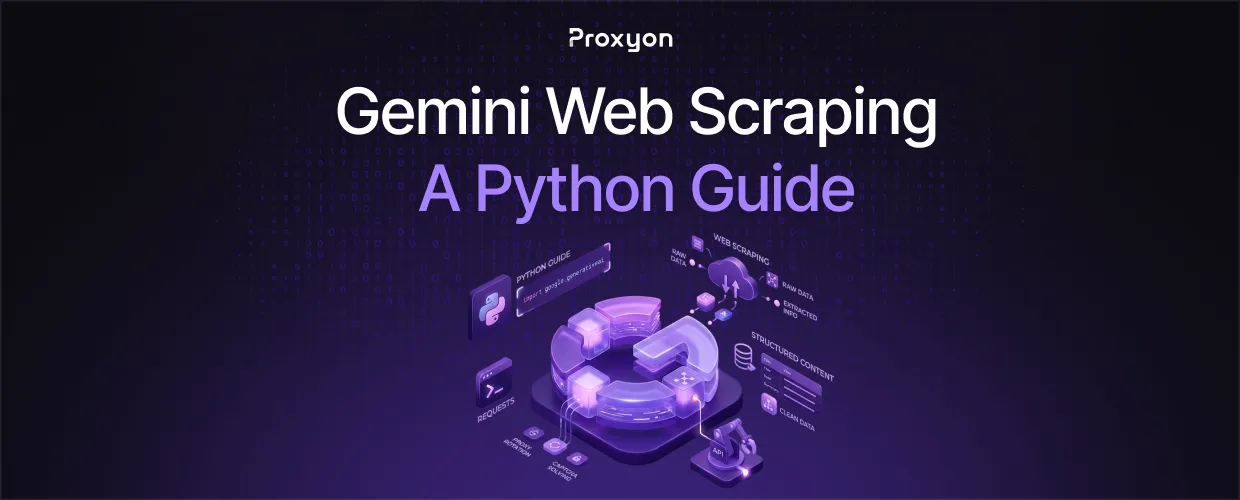
Gemini can read a page and hand back structured data without you writing a single CSS selector. That changes how you approach scraping when a site's layout shifts constantly or the data you need is buried in unstructured text.
Using Gemini for Scraping
Traditional scrapers break the moment a site changes its HTML. Gemini reads content the way a person does, so it pulls the right fields even when the markup shifts. Google's own Gemini API quickstart covers the current SDK setup if you want the full reference alongside this guide. The tradeoff is cost and latency. Sending every page to an LLM is slower and pricier than a regex-based parser, so save it for pages where structure is unpredictable.
The keyword here is extraction, not fetching. Gemini doesn't replace your HTTP layer. You still need to get the page reliably, and that's where blocks and rate limits show up first.
Fetching the Page

Use the requests library or a headless browser to pull the raw HTML, then pass the cleaned text to Gemini for parsing via the google-genai SDK. Route your requests through residential proxies so the target site sees normal traffic instead of a flood of requests from one IP.
import requests
import google.generativeai as genai

proxies = {
    "http": "http://user:pass@proxyon.io:8000",
    "https": "http://user:pass@proxyon.io:8000",
}

html = requests.get("https://example.com", proxies=proxies, timeout=15).text

genai.configure(api_key="YOUR_API_KEY")
model = genai.GenerativeModel("gemini-2.5-flash")
result = model.generate_content(
    f"Extract product name, price, and stock status as JSON from: {html[:8000]}"
)
print(result.text)
Also Read: How to Scrape JavaScript-Heavy Sites With Playwright and Proxies
Handling Blocks and Scale
Gemini fixes parsing, not blocking. If the site rate-limits or bans your IP, no amount of clever prompting gets you the page. Rotate IPs on every request, and keep retries in your fetch layer, not your Gemini layer.
This matters more than it sounds: teams often burn API budget re-prompting Gemini on a page that returned a CAPTCHA wall instead of real content. If your fetch layer needs to rotate fast across a high volume of requests rather than blend in as residential traffic, IPv6 rotating proxies are worth pairing with Gemini for the extraction step.
FAQ Section
Does Gemini scrape websites directly?
No. Gemini parses content you give it. You still need a fetch layer, ideally proxied, to retrieve the page first.
Which Gemini model works best for extraction?
Gemini 2.5 Flash handles most structured extraction tasks well and costs less than Pro. Reserve Pro for pages with dense, ambiguous text.
Is this approach cheaper than traditional scraping?
No. LLM calls cost more per page than a parser. Use Gemini selectively on pages where layouts are unstable, not as your default extraction method.
Final Thoughts
Gemini is the right call when a site's structure is too unpredictable for a traditional parser to hold up. It costs more per page, but it saves you from rewriting selectors every time a layout changes.
