

TL;DR
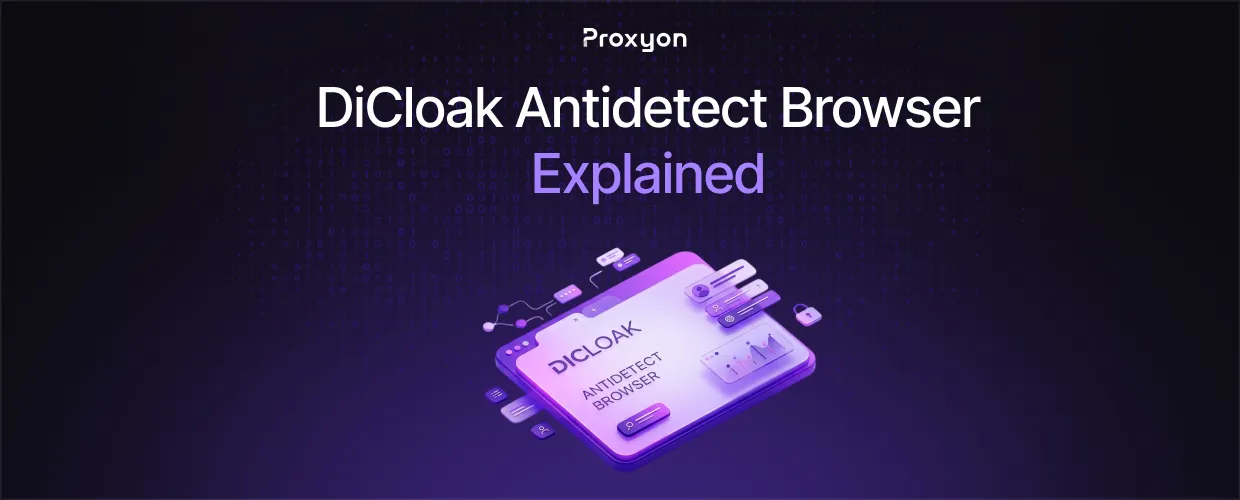
DiCloak is an antidetect browser that spoofs your fingerprint so you can run multiple accounts without them getting linked or banned by platforms.
DiCloak is a Chromium-based antidetect browser built for managing multiple online accounts. Each profile gets its own isolated fingerprint, cookies, cache, and history, so platforms like Facebook, Amazon, or TikTok see what looks like a different device every time. That matters because most fraud detection systems today link accounts by device signals, not just IP address.
What DiCloak Actually Spoofs
DiCloak modifies the parameters that platforms use to fingerprint a browser: canvas rendering, WebGL, WebGPU, screen resolution, timezone, fonts, and hardware specs. Every profile runs as an isolated environment, so cross-contamination between accounts is not possible by design. The keyword here is isolation. One flagged profile does not put your other accounts at risk, which is the whole point of running separate identities in the first place.
On top of fingerprinting, DiCloak adds no-code RPA automation, an AI crawler for scraping, and team collaboration tools like shared profiles with role-based permissions. It also blocks packet-sniffing tools like Wireshark and disables dev tools inside a profile, which is aimed at agencies sharing access with clients or contractors. You can read the full feature breakdown on DiCloak's official site.
Also Read: Best Web Scraping Tools (2026)
Fingerprint Spoofing Isn't Enough
This is where a lot of people get it wrong. A unique fingerprint means nothing if every profile still connects through the same IP address. Platforms cross-reference device signals with network origin, and a shared IP across ten "different" profiles is an instant red flag. Fingerprint spoofing and IP separation have to work together, not one instead of the other.
That means every DiCloak profile needs its own IP behind it, ideally one that looks like a real residential connection rather than a datacenter block that gets flagged on sight. This is standard practice covered by resources like the EFF's guide to browser fingerprinting, which explains why device signals alone are trackable even with a clean IP.
For social platforms and marketplaces, residential proxies pair naturally with DiCloak since they route through real ISP-assigned addresses, tiered from $1.75/GB down at higher volume. For scraping or automation tasks inside DiCloak's AI crawler where detection risk is lower, datacenter proxies starting at $0.30/IP for 3 days are the cheaper option. Reviews on G2 and similar platforms consistently flag proxy quality as the deciding factor in whether an antidetect setup holds up over time, not the browser software itself.
Also Read: How to Scrape Website Data Into Excel (2026)
FAQ Section
Is DiCloak free to use?
DiCloak offers a free plan that supports a limited number of profiles and daily session launches. Paid tiers unlock more profiles, automation tasks, and team seats.
Does DiCloak work on Mac and Windows?
Yes. DiCloak runs on both Windows and macOS as a Chromium-based application.
Do I need proxies to use DiCloak?
\Not technically, but running multiple profiles on one IP defeats the purpose. Pair each profile with its own proxy for real separation.
Can DiCloak get my accounts banned?
No tool guarantees zero risk. DiCloak reduces detection risk, but weak proxies, reused IPs, or sloppy behavior patterns can still get accounts flagged.
Final Thoughts
DiCloak handles the fingerprint half of the equation well, but it is only half. The IP behind each profile carries just as much weight in whether an account survives. Pair it with proxies that match the traffic pattern you're running, residential for platforms with strict device checks, datacenter for lighter automation work.
