

TL;DR
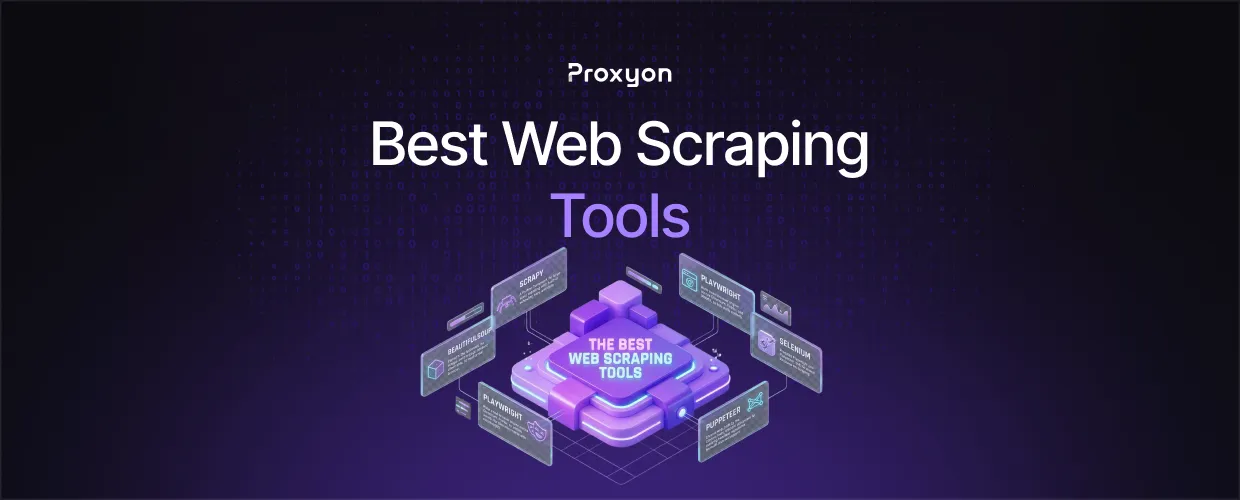
Scrapy wins for large, structured crawls. Playwright is the default for JavaScript-heavy sites, with Puppeteer close behind for Chrome-only work. Selenium still fits teams with existing cross-browser infrastructure, and BeautifulSoup covers static pages with zero overhead. None of these fix blocking on their own. That depends on how you route traffic, usually through rotating residential or datacenter proxies.
Best Tools For Scraping
1- Scrapy
A Python framework for large-scale crawling with built-in scheduling, retries, and data pipelines. Steeper learning curve than a plain script, but it pays off at scale. No JS rendering by default, so pair it with a headless browser for dynamic pages. Full documentation lives on the Scrapy docs.
2- BeautifulSoup
Paired with Requests, this is the fastest way to scrape a static page. No framework, no config. Once a page renders content client-side, this combo stops working and you need a real browser.
3- Playwright
Runs a real browser engine across Chromium, Firefox, and WebKit, so it sees pages the way a visitor would. Handles waits natively. Costs more in memory and CPU, so pair it with rotating IPs at scale. Setup details are in the official Playwright docs.
4- Selenium
Predates Playwright and Puppeteer, with the widest language support. Slower for pure scraping since it was built for testing first. Still worth keeping if your stack already runs on it.
5- Puppeteer
Chrome-only, built by the Chrome team, backed by a mature stealth-plugin ecosystem for masking headless signatures. No multi-browser support, so it misses sites that fingerprint by browser type.
Also Read: How to Do Web Scraping Without Getting Blocked
Why Proxies Are Important

A well-written scraper still gets blocked if every request comes from one IP. Datacenter proxies work for low-difficulty targets. Residential proxies route through real ISP IPs and hold up far better against anti-bot systems. For high-volume, low-sensitivity workflows, datacenter proxies deliver the best cost per request. Match the proxy type to the target, not to whatever's cheapest.
Also Read: How to Scrape JavaScript-Heavy Sites With Playwright and Proxies
FAQ Section
Best tool for beginners?
Requests plus BeautifulSoup for static pages, then Playwright once JS rendering is needed.
Do I need a proxy?
Yes, past a handful of requests. Most sites block a single IP fast.
Playwright or Selenium?
Playwright, in most cases. Selenium still makes sense on existing infrastructure.
Is Scrapy better than BeautifulSoup?
For large or scheduled crawls, yes. Scrapy handles scheduling and retries natively. For a single static page, BeautifulSoup is simpler and faster to set up.
Can I run Puppeteer and Playwright together?
There's rarely a reason to. Pick Playwright if you need multi-browser coverage, Puppeteer if you're Chrome-only and want its plugin ecosystem.
Do no-code tools work for large-scale scraping?
Not well. They're fine for small, occasional pulls but get expensive and brittle once you're running thousands of pages a day.
Final Thoughts
The tool only gets you halfway. Static pages need Requests and BeautifulSoup. JS-heavy targets need Playwright or Puppeteer. Large crawls need Scrapy. What decides whether your scraper survives past the first hour is the proxy behind it, not the framework in front of it.
